IFrame Component
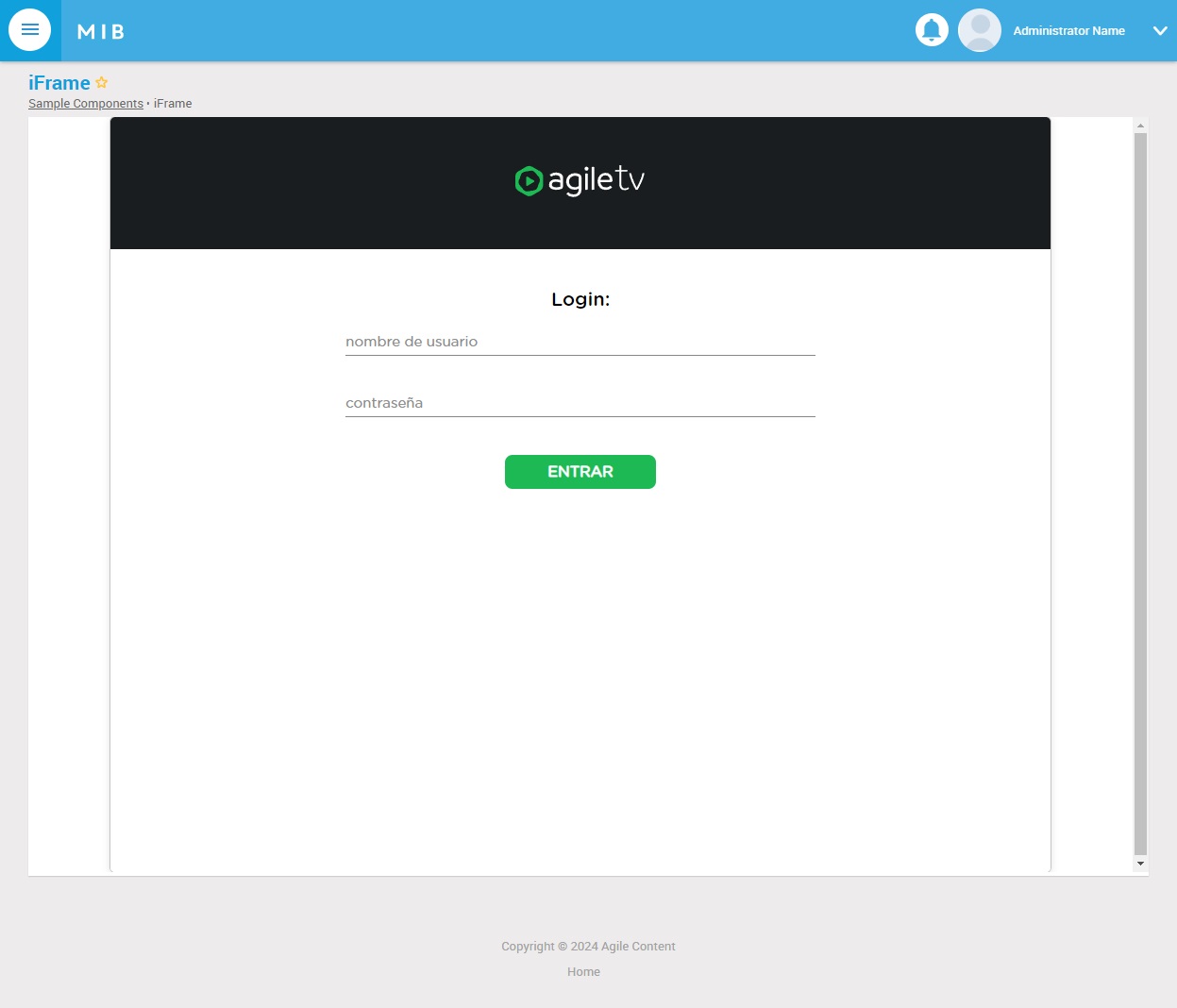
Embeds an external page inside a CMS page via an HTML <iframe>. The
React shell renders it as a bordered (or styled) frame with the
configured dimensions, scoped Permissions Policy (Allow), and loading
strategy (eager / lazy).
Use for embedding dashboards, monitoring views, customer-portal links, documentation, or any external content that doesn't justify a full custom React component. For anything that needs to interact with the page (shared state, cross-frame messaging), a custom federated remote component is a better fit — see Component Creation.
| Assembly: | MediaiBox.Cms.FrontEnd.Server |
| Class: | MediaiBox.Cms.FrontEnd.Server.Component.IFrameComponent |
| ComponentKey: | mib_default_iframerendercomponent |
| Released: | 6.0.38 |
Configuration Keys
Below it is possible to find all available Configuration Keys for this component.
The configuration must be inserted into the database table:
MIB3UX_PAGE_COMPONENT_CONFIGURATIONS
Url (string) - Required
The URL of the page to embed.
Width (integer) - Optional
The width of the frame in CSS percentage. Default is 100%.
Height (integer) - Optional
The height of the frame in CSS pixels. Default is 400px.
Allow (enum[]) - Optional
Specifies a Permissions Policy for the iframe. The policy defines what features are available to the iframe (for example, access to the microphone, camera, battery, web-share, etc.) based on the origin of the request.
Example values: geolocation, microphone, camera, midi, encrypted-media, autoplay, fullscreen, payment, vr, xr See more
Loading (enum) - Optional
Indicates when the browser should load the iframe:
Available Values:
eagerorlazy. See more
ReferrerPolicy (enum) - Optional
Indicates which referrer to send when fetching the frame's resource:
Example values:
no-referrer,no-referrer-when-downgrade,origin,origin-when-cross-origin,same-origin,strict-origin,strict-origin-when-cross-origin,unsafe-urlSee more
Style (string) - Optional
Custom css style for the iframe tag
Ex:
border:0;background-color:black
Source reference
| React type-key | htmlrender (raw class name IFrameComponent resolves to iframe; the React shell uses htmlrender — set via COMPONENT_VIEW_TYPE) |
| BFF assembly | MediaiBox.Cms.FrontEnd.Server |
| BFF class | MediaiBox.Cms.FrontEnd.Server.Component.IFrameComponent |
MIB3UX_COMPONENTS.COMPONENT_KEY |
mib_default_iframerendercomponent |
| React widget source | Not yet implemented as a dedicated core widget. The htmlrender key in the React shell registry (packages/core-components/src/components/index.ts) is currently null — iframes are rendered through the legacy MVC pipeline. A customer wanting a React-native iframe widget should ship one in a federated remote. |
| Released | 6.0.38 |
Custom backend, core React. Not currently available — there is no
stock React widget for the iframe / htmlrender type. The
recommendation for new pages that need embedded content with React-side
interactivity is to ship a custom federated widget instead. See
Component Authoring.